Give your ideas volume
Cubes, spheres, cylinders, cones, tori and planes. Exact transforms, materials and an object hierarchy.
 3DMasterby Qutrum Soft
Make objects, compose scenes and bring them to life — in a mobile 3D studio by Qutrum Soft.
Open web demo ↗Version 0.1.0 · early development
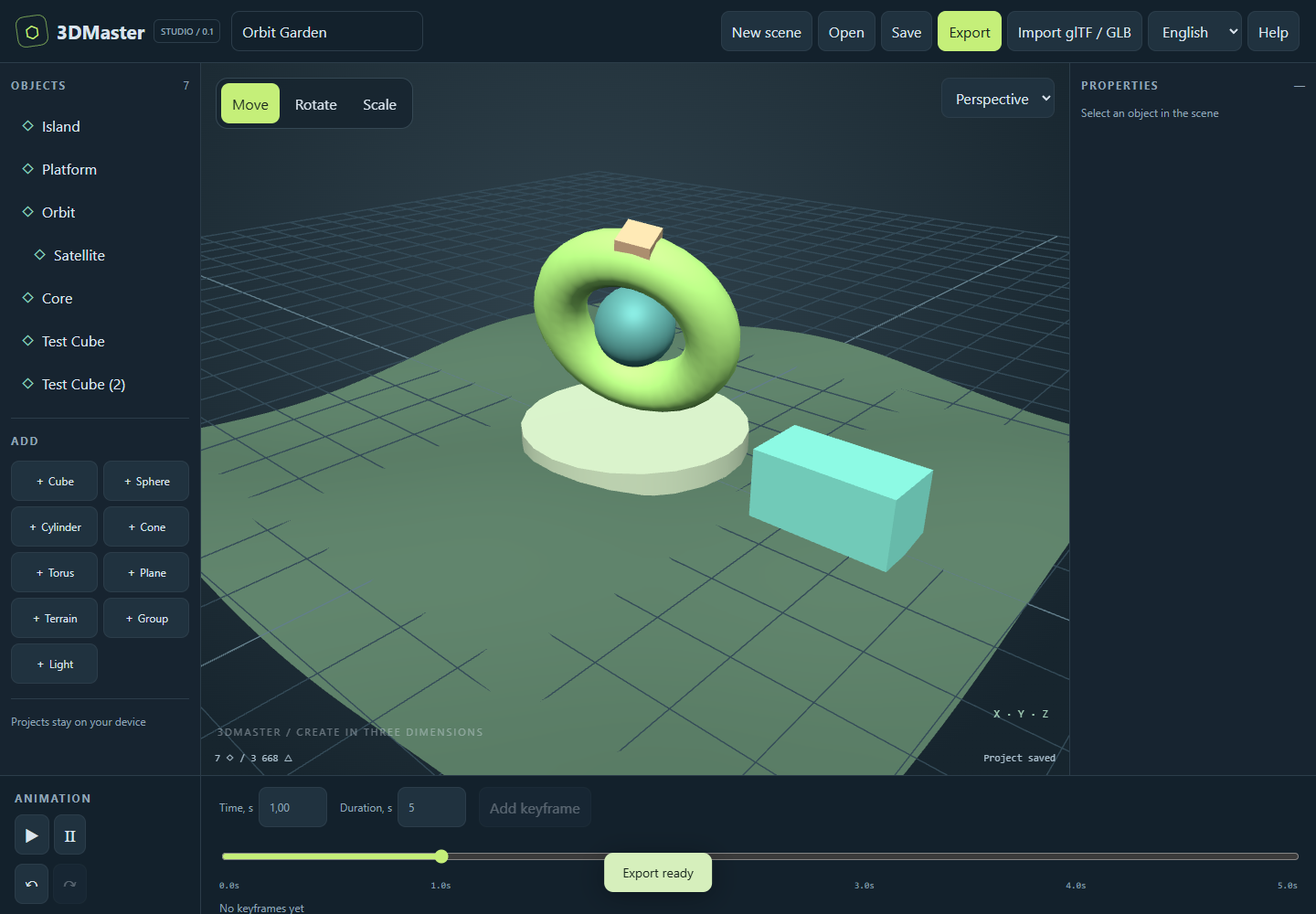
Tools for shape, space and motion in one editor. Start with a primitive, add a material and find your perspective.
Cubes, spheres, cylinders, cones, tori and planes. Exact transforms, materials and an object hierarchy.
Raise, lower and smooth terrain with a brush. Adjust radius and strength to refine the landscape.
Position, rotation and scale keyframes. Animate children and play your scene on a shared timeline.
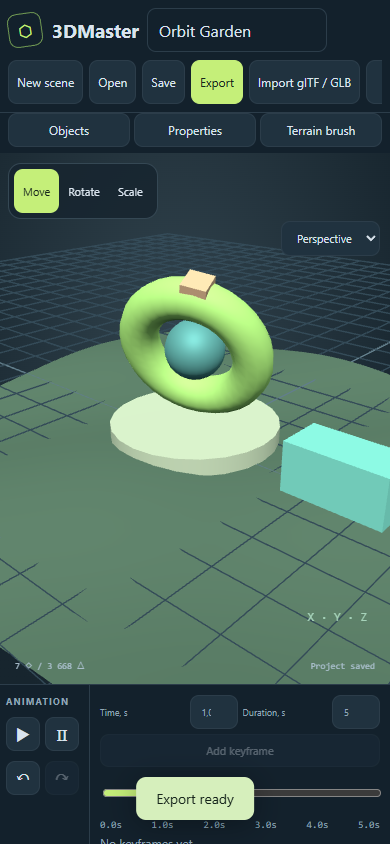
Open the demo or create a blank scene. Add an object and tap it to select.
Move objects with axes or enter exact values. Set a parent to combine movement of parts.
Choose a time, adjust the object and add a keyframe. Press Play to preview.
Save a .3dm.json project. glTF export preserves hierarchy and animation; OBJ and STL capture geometry at the current frame.
The first editor version is being prepared for Android testing. Explore the web demo now. Google Play publication will follow testing; a store link is not yet available.
This is an early version, not a complete replacement for a desktop 3D suite. Vertex and face editing, UV unwrapping, skeletal animation, physics and video rendering are not yet included. glTF/GLB import transfers static geometry and basic color; textures, skinning and existing animations are not imported.
Open web demo ↗Models, scenes and keyframes are processed and stored locally on your device. The app requires no account and does not upload projects to Qutrum Soft servers. You choose a destination or recipient when exporting.
The Android app integrates Google AdMob (a banner and voluntary rewarded ads for scene export) and Google UMP for consent management. The SDK may process IP addresses, advertising and other device identifiers, ad interaction data and diagnostics under Google policies. Ads are requested only when UMP permits requests; privacy options are available when required. Basic editing and project saving are free and do not require watching ads.
Google Privacy Policy ↗ · Google Mobile Ads SDK ↗
The website has no analytics trackers or third-party advertising. The web demo uses browser local storage for projects and language. Hosting servers may keep technical request logs. To remove local projects, clear app data or website storage; save any needed files first.
Support and data inquiries: qutrum@gmail.com
Updated October 17, 2026